Four vendors each think they are first on the dock.
The board is the answer, and it is the same board the shop, the drivers and the crew on the floor are reading. Two dock plans is how somebody ends up on the wrong side of a lift.
- Every run carries the window it loads out of and the window it lands in — a truck with no trip against it is flagged, not assumed
- Trucks that have arrived with no door yet sit in the yard: a waiting list, not a parking record
- Move a truck onto a door and everyone reading that show sees it move, on the dock and on the phones, without anyone refreshing
- The build schedule runs by date, department, status and an owner on each item, and it broadcasts the same way the board does
- A fault is filed against the thing it is about — the crew member, the gear unit, the case, the build item, the department or the cue
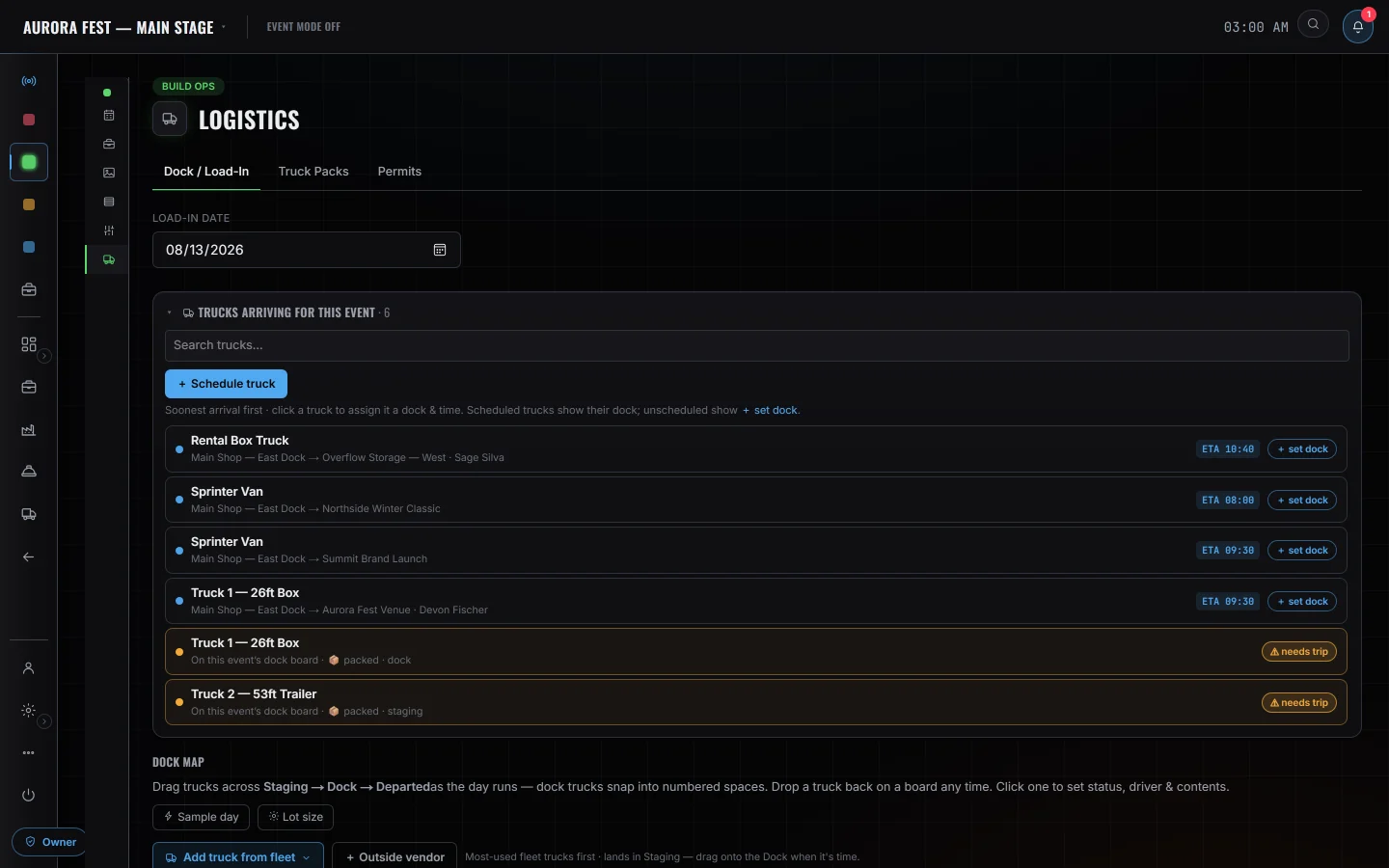
- Dock / Load-In boardDoors and windows for the morning, redrawing on every screen as somebody assigns them
- The yardArrived, no door yet — a waiting list rather than a parking record
- Build scheduleDate, time, department, status and an owner on every item
- Scan In / OutPull, pack, load and return as four tabs on one portal
- ReportsEOD, gear damage, incident and production notes, linked to what they are about
- Emergency OpsAED locations, evacuation routes, contacts and the action plan
Who is on it with you
Nothing on this board moves itself
A truck's position is the driver's phone while the run is open, not a GPS unit on the vehicle. With no shared phone the marker is projected from the trip's status and departure time against an assumed speed, and the map says which of the two it is showing rather than letting you assume. Reports reach people the same way: the kinds flagged gear damage and incident push the show's producers and owners, every other kind waits to be read, and the app reports how many devices accepted the push — zero is reported as zero — instead of telling you the room has been warned. There is no SMS and no phone call.