What you fix in the shop costs minutes. On a dock it costs a crew.
The week before the trucks roll is the last time a missing piece is cheap. Prep is the event's pull sheet worked down to nothing left — cased, labelled, and stacked on a deck drawn to size.
- Each line of the pull shows what has been taken against what was asked for, so a half-done pull reads as half done rather than as finished
- The label carries the asset number, and the same string is the code on the outside of the case and the tag inside it — either one finds the item
- Paired gear travels together on the shop's own screens, and a kit that is short a piece says so at the bench rather than on the floor
- Cases go on Floor, Mid and Top over a deck drawn to size, with weight against capacity on each truck
- IPs, VLANs and the device list go on the department card while you are still standing in the shop
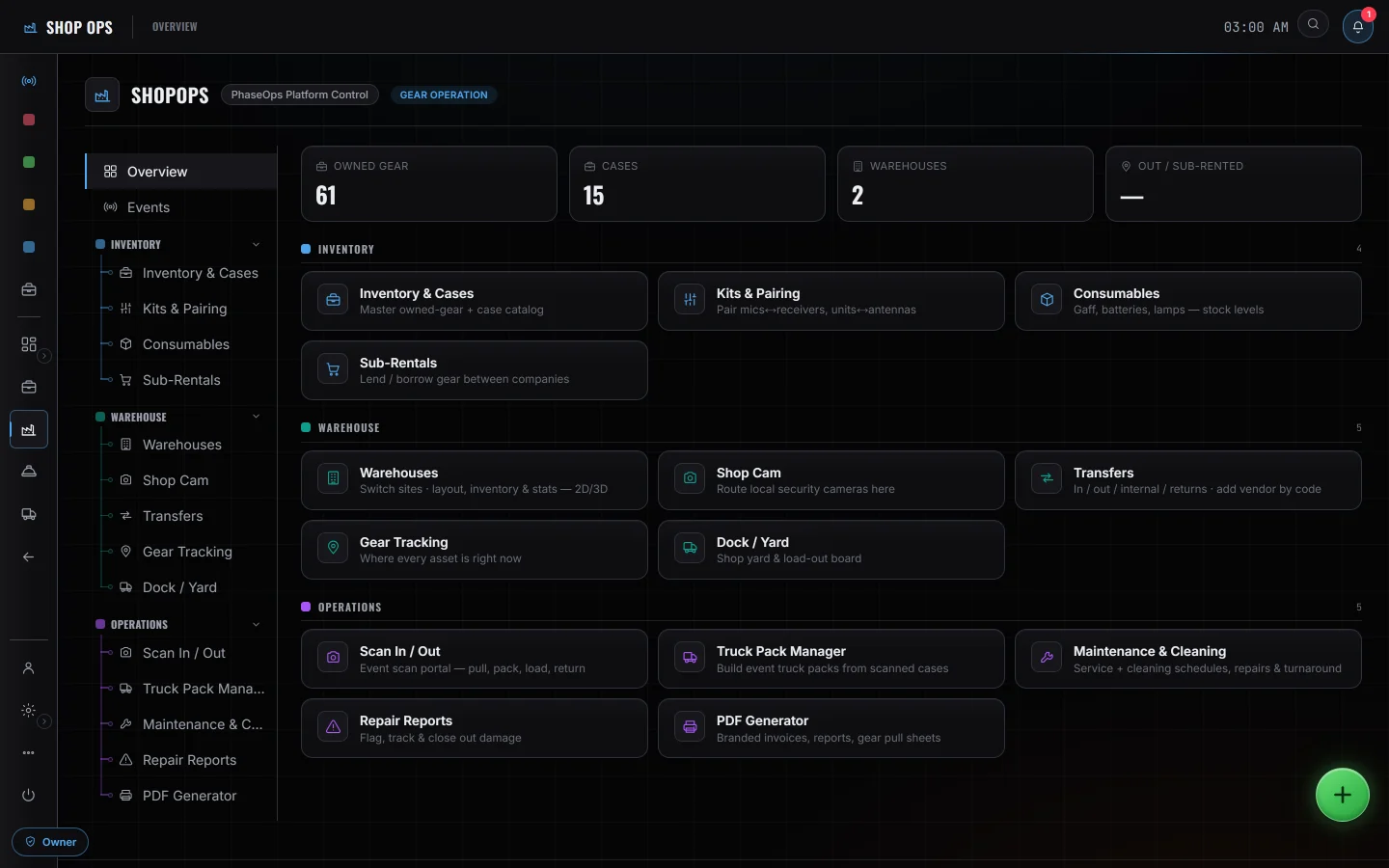
- Pull sheetsThe event's list, prepped and packed case by case
- Kits & pairingPaired units and cased items held together on the shop's own screens
- Labels & tagsOne asset number, printed as a QR and encoded as the RFID payload
- Truck Pack ManagerFloor, Mid and Top over a deck drawn to size
- Signal OpsWhat feeds what, documented before you leave the building
- Warehouse mapEvery owned item has a home — location, shelf and side — and a search pinpoints it on the floor
Who is on it with you
The shop does not warn you about next week
Nothing tells you today that two shows want the same item in the same week — you find that out on the pull sheet, not before it. Nothing here syncs live with another rental or inventory system either: a catalogue you already keep somewhere else arrives as a file you export yourself — an .xlsx or a CSV, read in the browser — and every row it plans to create is put in front of you, editable, before a single record is written. Publishing then creates the items, their serialized units, the cases and the kits, and reports exactly what it made. Nothing runs after that in either direction, so a change made in the other system never arrives here on its own; pull sheets go back out as a printed sheet. Kits and pairing are a shop-side idea, and stay one: adding a kit to an event flattens it to its member rows, and the event scan portal has no kit logic at all.