Sources, destinations and the media list, next to the cues they hit.
The video department's sheets — inputs, outputs, media and files, notes — sit beside the rundown that says which cue the roll lands on. Same record, no second copy.
V1, LED tech, playback or camera lead. Your day is a list of sources, a list of destinations and a list of files, and the expensive failure is always the same one: the version of the content on the server is not the version in the rundown. You need both lists in the same place as the cue that plays them.
- Your sheets are sources, destinations, media and files
- Your cues are named on the rundown — Opening Video rolls VTR-01
- Your gear is heavy, expensive and packed in a specific order
Departments — Video
Show Ops
Your card carries the sheet count, the gear on the event, who has checked in and the open tasks, with Inputs, Outputs, Media / Files and Notes as the tabs behind it. It is the same data Advance → Production shows the venue, and edits sync both ways — so the file list the producer sent out and the one on the deck cannot disagree.
More on Show Ops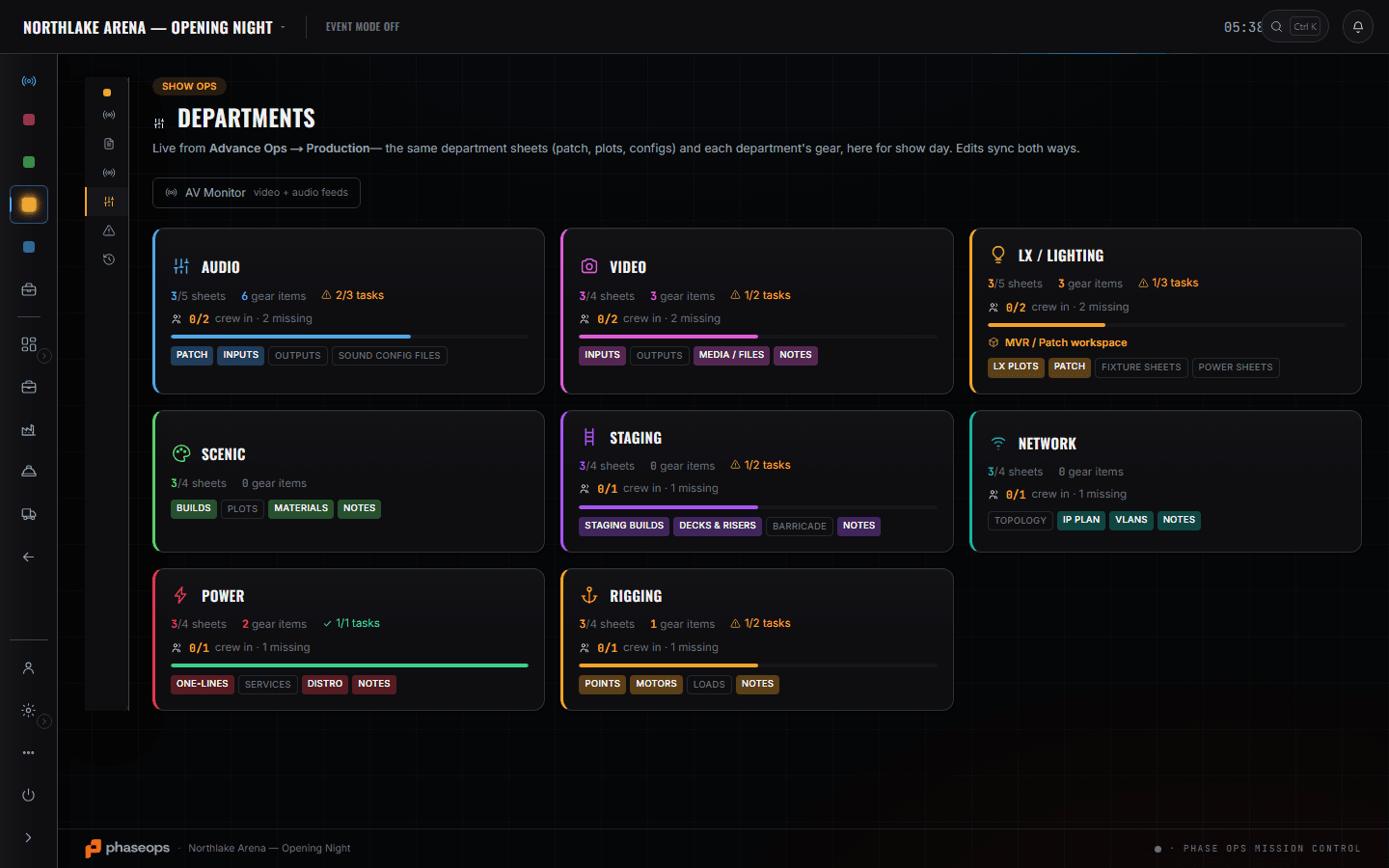
Your card in Departments holds the two lists the day is made of — sources and destinations — plus the media list, which is the one that gets expensive when it disagrees with the rundown. Signal Ops is where a hand-off stops being a sentence in a thread: where the IMAG feed leaves you and lands on somebody else is an edge on the show's one graph. Edit Mode is the rundown with the cue that rolls your content on it, tagged Video so the phone can filter to you. The Gear List answers which truck the wall is on and which case the processor is in, which somebody has to know at six in the morning. After that it is the crew phone and the cue that is live.
What you open, and what it answers.
Signal Ops — SDI in and out
Signal Ops
The show's one wiring graph: sources into converters into destinations, drawn once and read by every department. Where the IMAG feed leaves you and lands on somebody else is an edge on that drawing, so the hand-off is a shared fact rather than a sentence in a thread.
More on Signal OpsShow Ops — Edit Mode
Show Ops
Cues carry a type and a department. 'Opening Video · video · LED & Video Wall · Roll VTR-01' is one row on the rundown, and it is what makes the crew phone able to show you only your cues.
More on Show Ops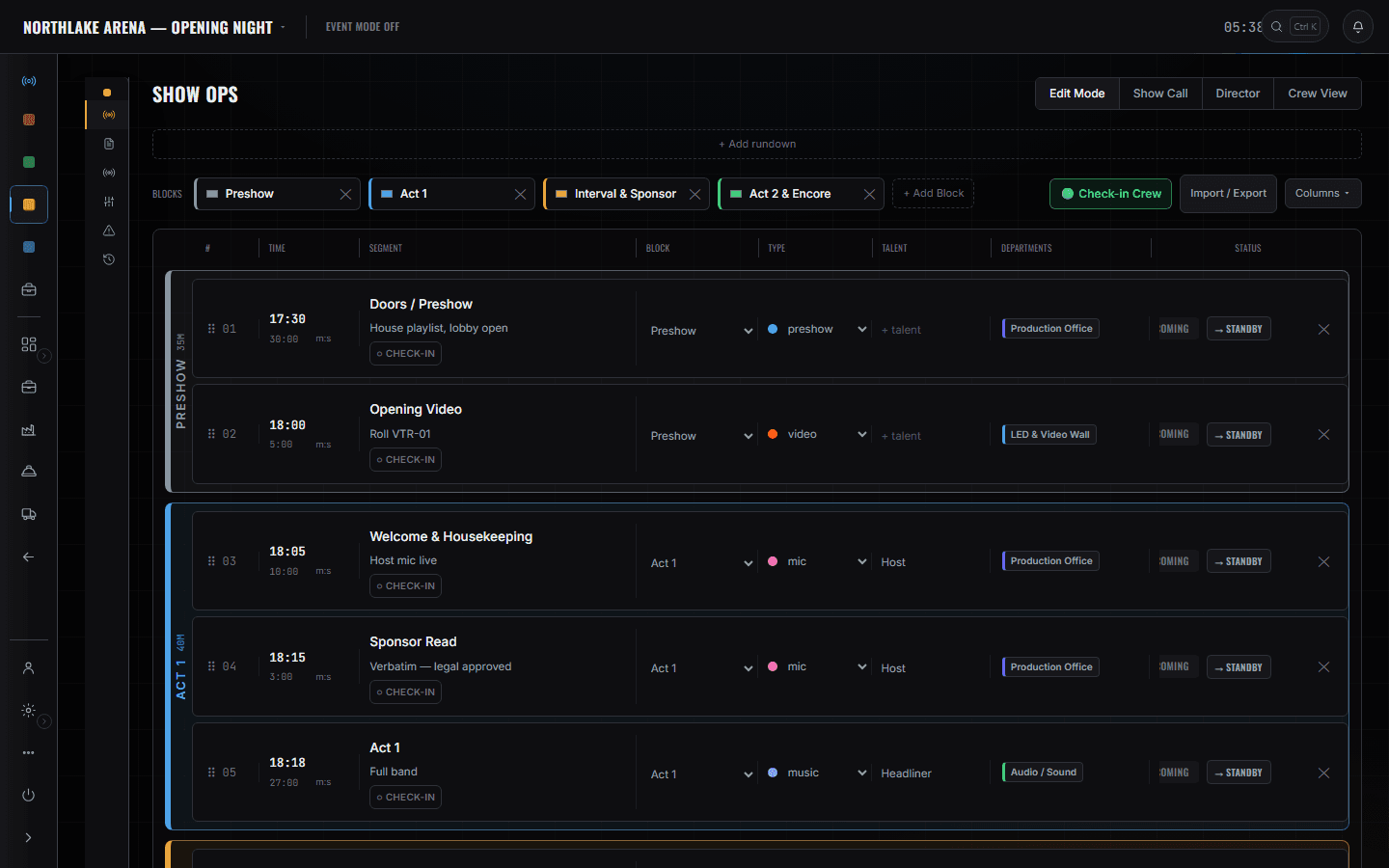
The video truck and the LED cases
Build Ops
The processor, the panels and the spares as event lines, each with a CASE and a TRUCK column and a pulled count. Which truck the wall is on and which case the processor is in is the thing somebody has to know at 06:00, and it is a column on your own list rather than a question for the shop.
The crew phone
Crew portal
Call times and the live cue, filtered to your department, with a countdown to the next one that is yours.
More on Crew Ops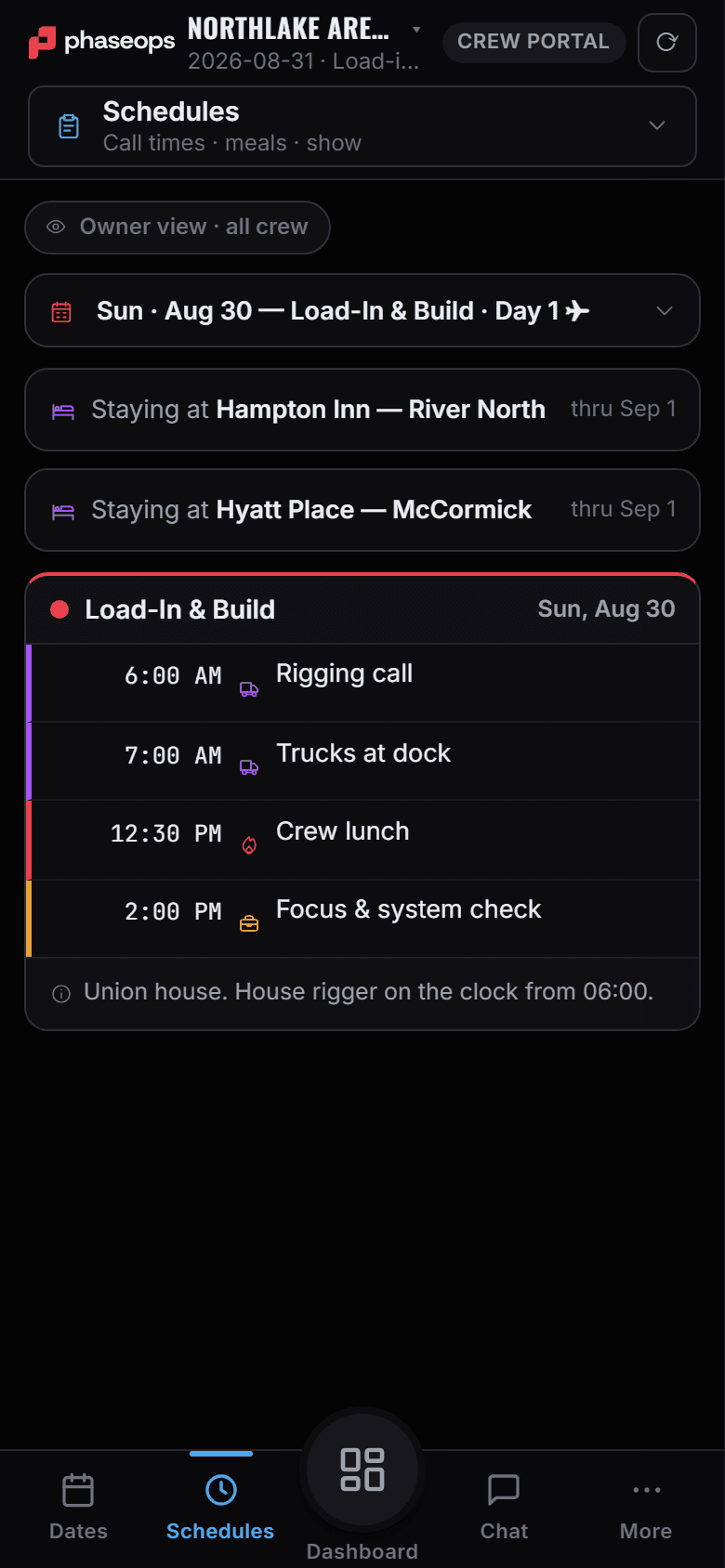
The boundary, before you find it yourself
Worth knowing now rather than at 16:00 on a load-in day.
Your switcher or media server
No control, no playback, no transport. The rundown says a roll is coming; the machine that rolls it is yours.
Timecode
There is no LTC in or out anywhere in this product. Cues are pressed by a person.
The lighting MVR
The fixture import and the LX patch belong to lighting. You share a rundown and a wiring graph with them, not a workspace.
Pairing and the pull sheet
Which receiver goes with which pack, and what came off a shelf, is the shop tech's screen. Your gear question is answered by the case and truck columns on the event list.
Flights and hotels
Booked by whoever is managing the tour. Your call times arrive on the phone.
File delivery
The media list names the files. It is not a transfer service and it will not hand anyone a download.
Load-in, show, load-out.
- PrepCheck the processor and panel counts are pulled, not just planned.Build Ops · Gear List
- Load-inRead the case and truck columns on your own lines, so the wall goes up in the order it arrived.Build Ops · Gear List
- BuildSources and destinations onto the department sheet as they get confirmed.Show Ops · Departments
- BuildWhere the IMAG feed lands on somebody else is an edge on the show's graph.Signal Ops
- ContentThe media list next to the cue it plays on, so the version question has one answer.Show Ops · Departments
- Pre-showCheck in from the phone; the caller's readiness check reads it.Crew portal
- LiveYour cues, filtered to video, with the next one counting down.Crew portal · Live