The gear leaves the shop accounted for.
An event's list becomes a pull sheet: prep it, pack it, scan it out, scan it back. Every asset carries one number that a scanner and a phone camera both agree about.
- Every asset gets a permanent, platform-unique, human-readable number
- The same string is the printed QR and the RFID tag — one codec, both directions
- A part-pulled line shows amber with a count; over-pulled shows red with an OVER badge
- Inventory rolls up across in-warehouse, prepping, on-job, repair and missing, weighted by unit
- Scan a case and its contents move with it, rather than one scan per piece
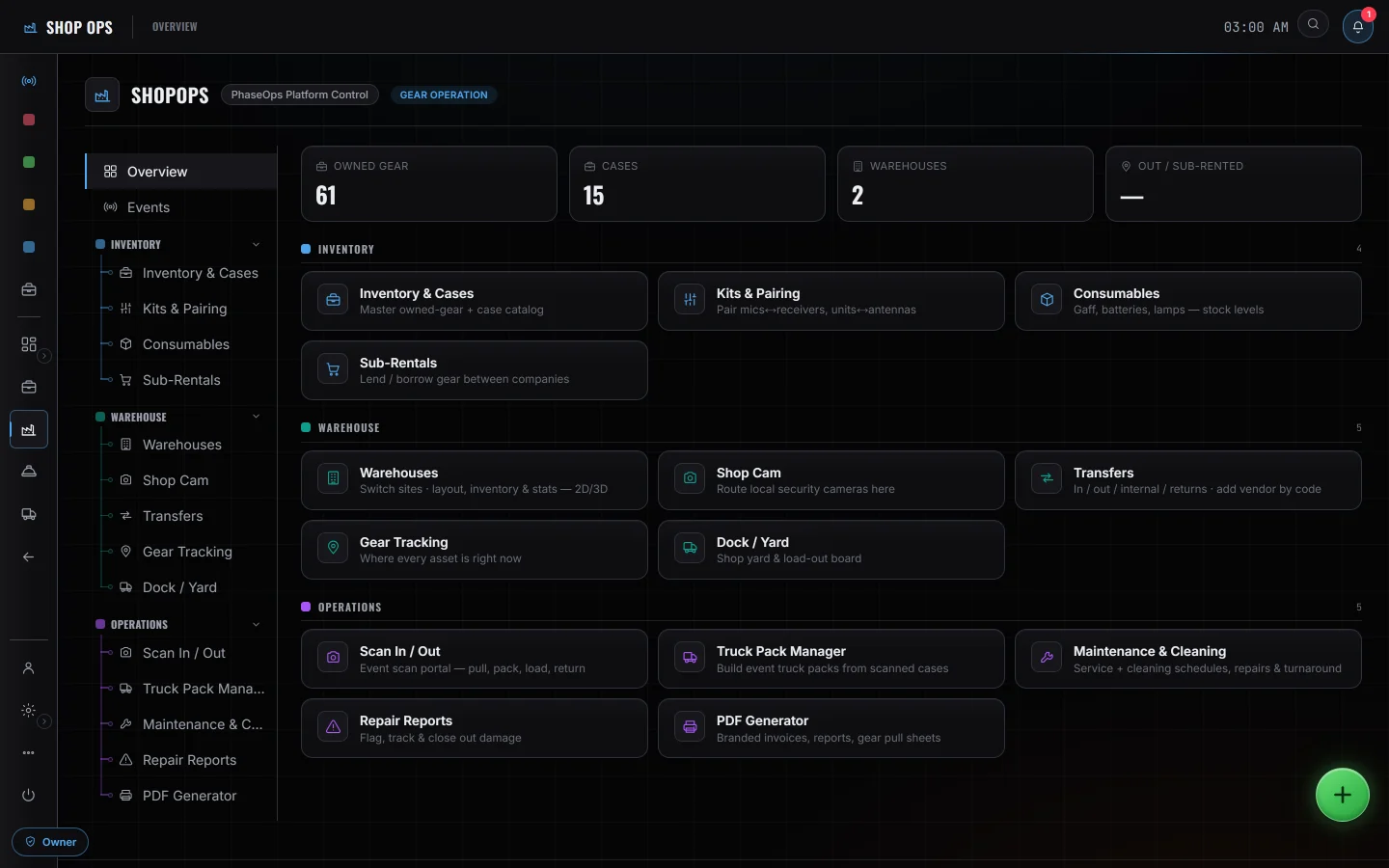
- Pull sheetsThe event's gear list, prepped and packed case by case
- Kits & pairingPaired units and cased items stay together through a pull
- Scan / RFIDOne tag string, printed as QR and encoded as the RFID payload
- Sub-rentals & transfersBorrowed in, lent out, or moved between your own warehouses
- Warehouse mapA 2D/3D floor with racks, shelf levels, prep bays and dock doors
Gear you borrowed, gear you lent, on one order.
A sub-rental order carries a direction and a kind — borrowed in, lent out, or moved between your own warehouses — with per-line pull counts and a printable pull sheet.
- Enter another PhaseOps company's transfer code and both sides read the same order — lent out on one screen, borrowed in on the other. Only the company that raised it can edit it; the other side's copy is marked shared and read-only.
- A linked order walks a handoff chain — outbound, in transit, accepted, with the receiver, returning, received back — and the receiving company's only write path is one gated function.
- On this order, picking a paired main brings in its case and every partner beneath it, and marking the main fully pulled marks those lines to their own quantity.
- Orders are company records. The shop raises them against the company rather than against a show, and returned quantities come back as a typed number rather than a scan.
Who is on it with you
What the shop does not do
Nothing here syncs live with another rental or inventory system. An existing catalogue comes in as a file — a spreadsheet export read in the browser, reviewed row by row, then published to inventory in one pass — and pull sheets go back out as a printed PDF. Nothing runs after that in either direction, so a change made in the other system never arrives here on its own. And nothing warns you today that two shows want the same item in the same week — you catch that on the pull sheet, not before it.