Invite your crew
Everybody who touches a show needs their own account — not a shared login. An invite lets a person create their own credentials and land inside your company at the level you chose, which is what makes the audit trail on a record mean anything.
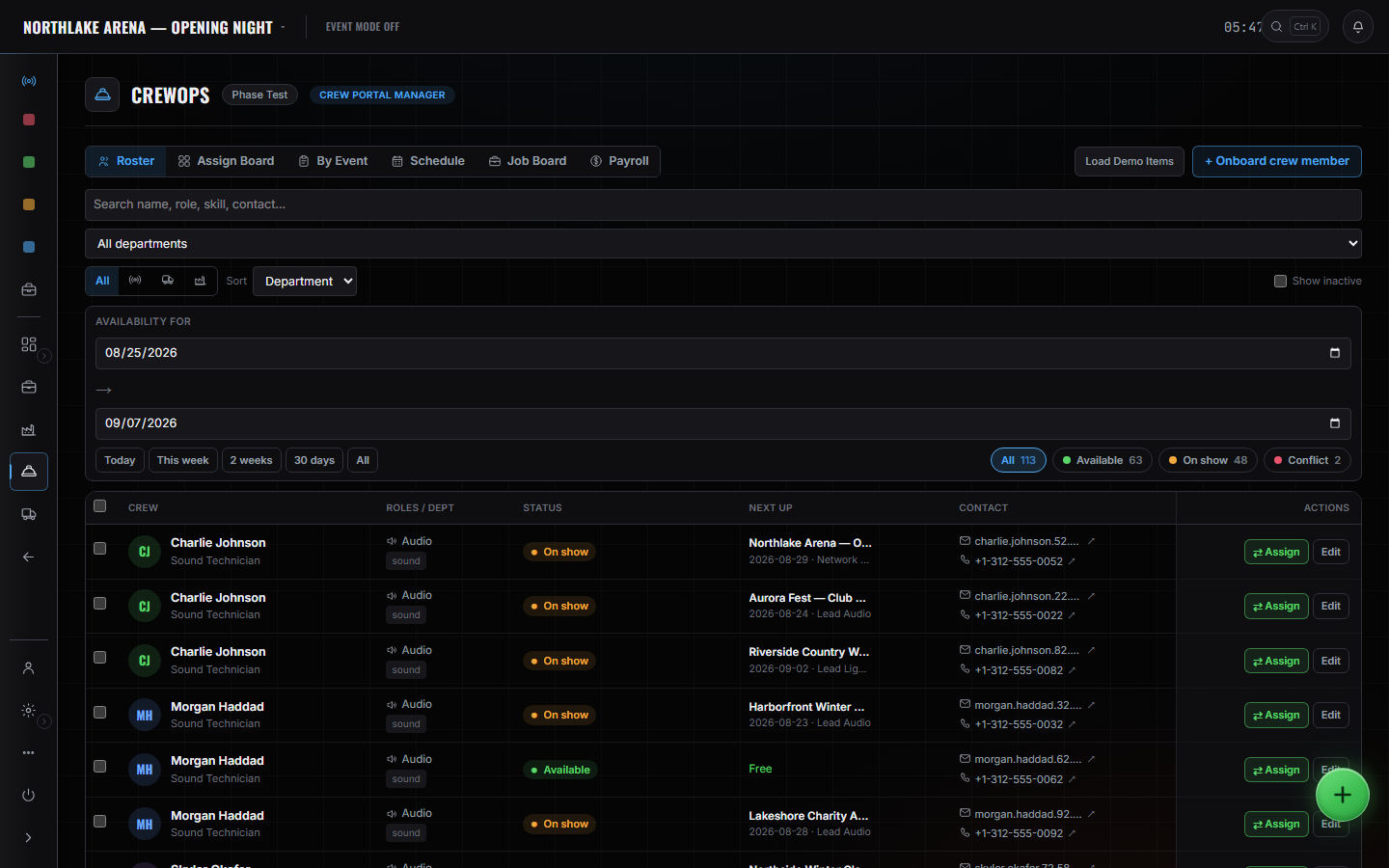
WhereSidebar > CrewOps > Roster
Send the invite from Admin.
You are inviting an email address, not creating a user. The person signs up themselves and arrives already attached to your company.
Pick the level when you send it.
Owner, Producer, Lead, Crew or Driver. It governs what they can open and what they can change, and you can move somebody later.
They appear on the roster.
Once accepted, they are a person you can put on a date — and their availability starts being computed from the assignments they already have.
Take somebody off by deactivating them.
Deactivate rather than delete. The work they logged, the checks they made and the changes they wrote stay attached to the record; only their access stops.
These pages say how the product works, not what it costs. If you want it for your company, or want the figure, ask us — a person answers.