Open a show
The event record is the spine. The advance, the shop, the trucks, the rundown and every phone on the job read from this one thing, so the half hour you spend getting it right is the half hour that stops six people working from different versions of the week.
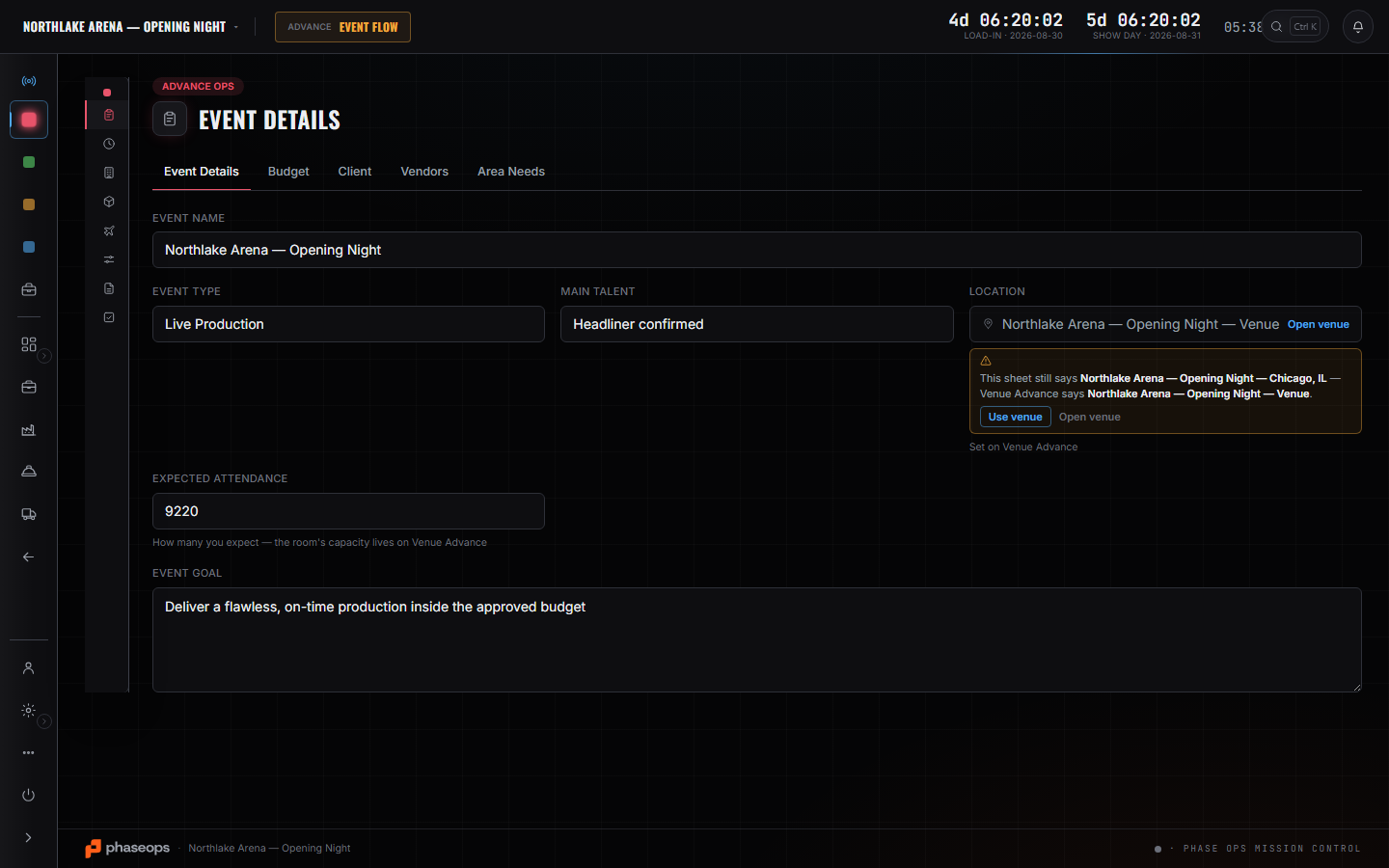
WhereSidebar > Advance Ops > Event Details
Create the event with its dates.
Name, start, end. The dates are what every availability check, truck run and call time is computed against.
Attach the venue.
Pick the room. If what you type does not match a venue already on file, the screen says so rather than quietly creating a second one under a slightly different name.
Attach the client.
A real client record, not a name retyped onto a document — that is what makes “what did we run for them last year” a search rather than a memory.
Fill the budget lines.
They are what the week gets measured against at the end. They are typed in by hand and they stay that way; nothing pushes a real cost back onto them for you.
These pages say how the product works, not what it costs. If you want it for your company, or want the figure, ask us — a person answers.